A CLI toolkit that bridges KiCad PCB design and OpenPnP pick-and-place machine operation — built to streamline the workflow on my Lumen-PNP pick-and-place machine.
Managing the handoff between KiCad and OpenPnP involves a lot of manual XML editing — creating board files, mapping footprints to packages, assigning parts to feeder slots, and keeping everything in sync across PCB revisions. openpnp-tools automates this entire workflow.
What it does
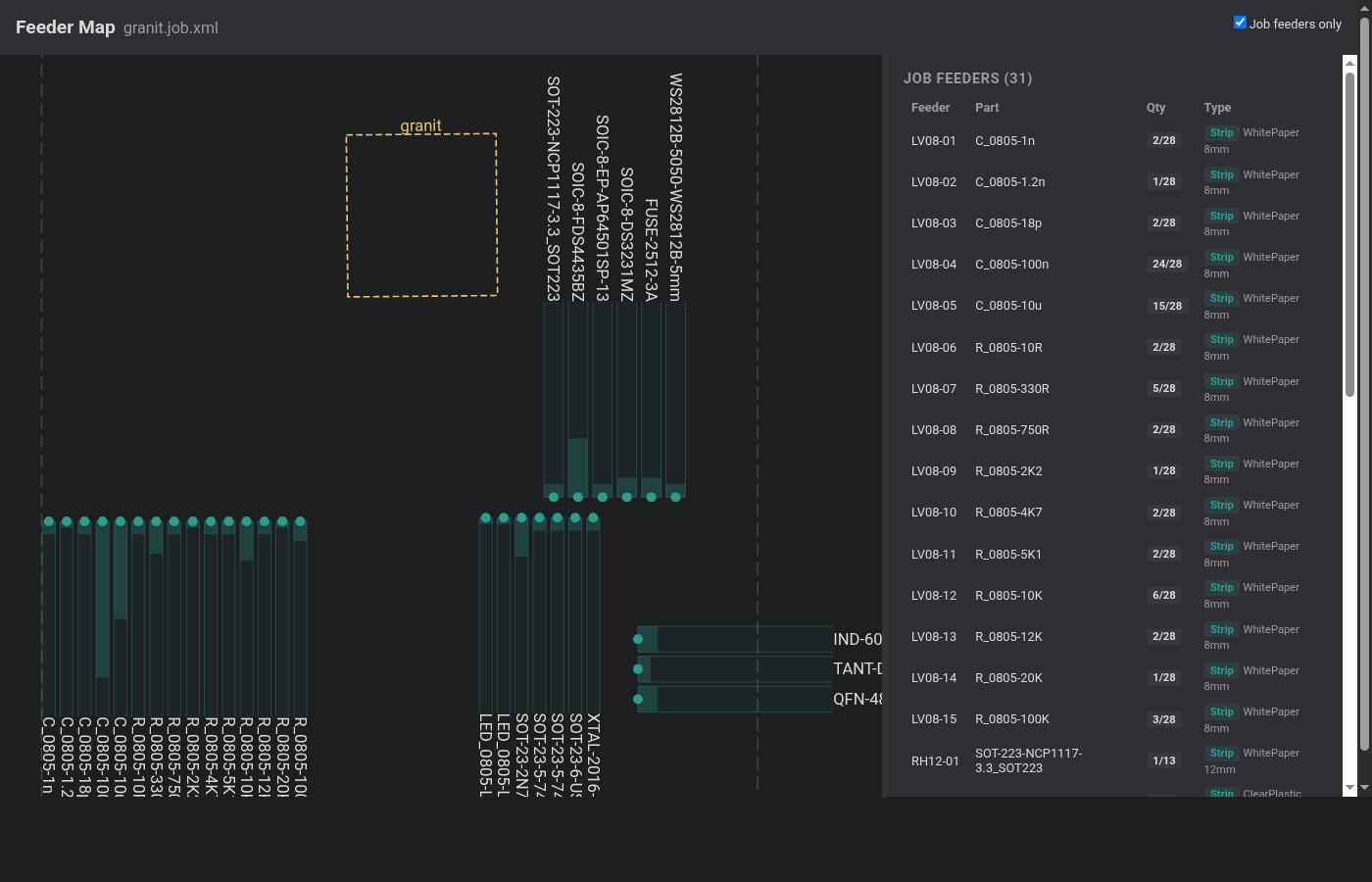
generate— reads a KiCad position CSV and produces an OpenPnP board XML with remapped package names and auto-detected fiducialsensure-parts— creates missing parts and packages in the OpenPnP configuration with correct heights from a shared package mapassign— loads a per-project feeder allocation CSV intomachine.xml, setting tape type, part pitch, and tape width automaticallymap— generates a self-contained HTML page visualizing feeder positions, board outlines, part counts, and missing feeders
Workflow
A typical session after a PCB revision:
make pnp          # export positions from KiCad, generate board XML, ensure parts
make feeders      # assign parts to feeder slots in machine.xml
make feeder-map   # visualize the setup
Switching between projects is a single command — make feeders reconfigures all feeder
slots for the active board.
Package map
A single CSV file (~/.openpnp2/openpnp-package-map.csv) maps KiCad footprints to
OpenPnP packages with metadata like component height, tape type, part pitch, and tape
width. This is shared across all projects, so adding a new footprint once makes it
available everywhere.
Built with
Licensed under GPL-3.0-or-later, aligned with OpenPnP.